Google Flow AI Guide: How It Works + 5 Detailed Prompts
What Is Google Flow AI?
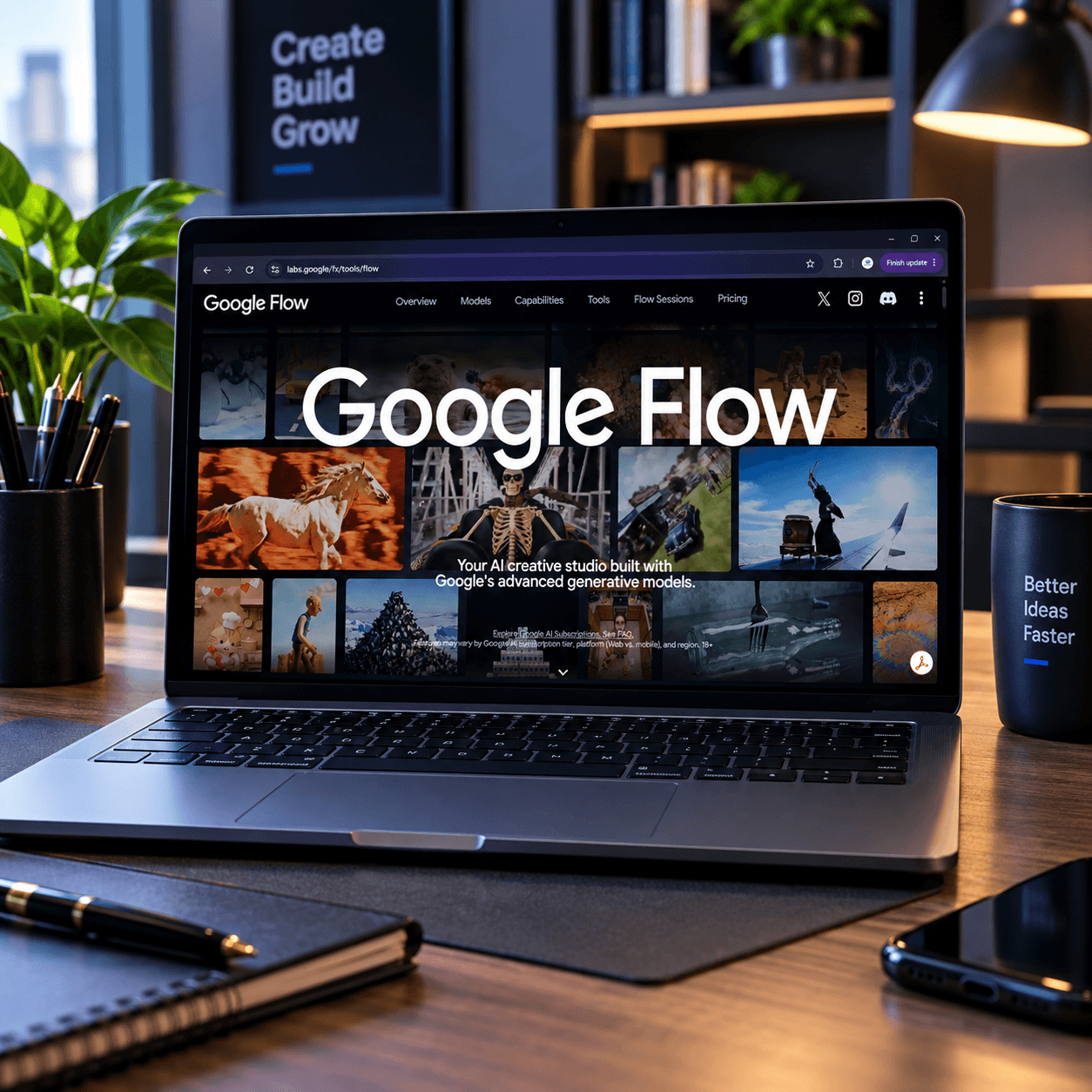
Google Flow is Google's AI-powered filmmaking tool, built on top of three of its most advanced generative models: Veo 3 (video generation), Imagen 4 (image generation), and Gemini (language and prompting). Instead of just spitting out a random five-second clip, Flow is designed to work like an actual film set you can build characters, reuse them across scenes, control the camera, and stitch clips into a coherent story.
In short: Flow turns a text prompt into a short, cinematic video clip complete with synced audio, dialogue, and sound effects and gives you the editing tools to shape it into something resembling an actual scene.
If you've used ChatGPT or Midjourney and wondered "what's the video equivalent that doesn't feel like a toy?" Flow is Google's answer.
How Google Flow Works (In Plain English)
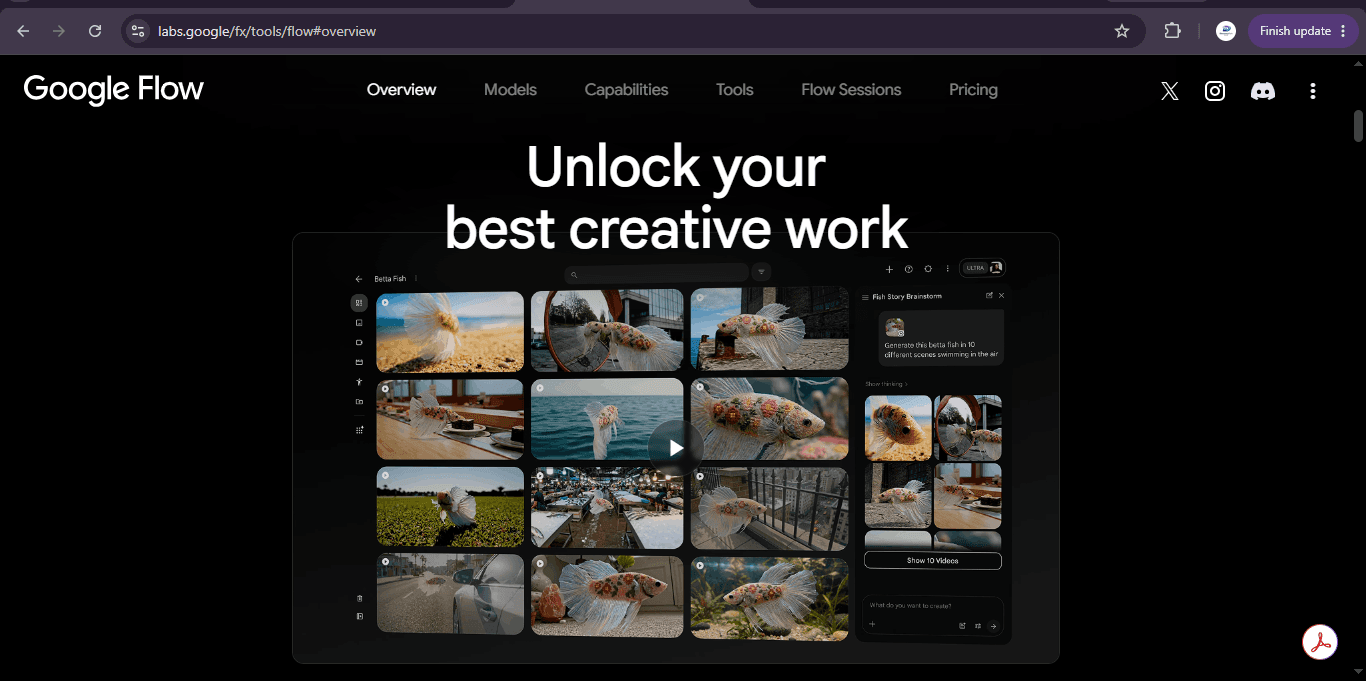
You don't need a film degree to use Flow. Here's the basic workflow:
- Describe your scene in plain language (Gemini interprets your prompt and refines it).
- Choose a generation mode:
- Set your camera work pan, zoom, tracking shots, angles.
- Use Scenebuilder to extend, trim, and rearrange your clips into a longer sequence.
- Export your finished video.
The standout feature is "ingredients" you can save a character or setting once and reuse it across multiple clips, which is what actually makes multi-scene storytelling possible instead of a pile of disconnected clips.
Who Should Actually Use Google Flow?
- Content creators who want short cinematic clips without hiring a crew
- Marketers and small businesses who need quick product or brand videos
- Educators building visual explainers
- Filmmakers and storyboard artists prototyping scenes before a real shoot
- Hobbyists who just want to see wild ideas rendered on screen
If you run a brand, agency, or personal project and need fast visual content, Flow is worth testing before you commit to expensive video production.
Why Detail Matters in Flow Prompts
Flow performs best when you spell out five things: subject, setting, camera movement, lighting, and sound. Vague prompts like "make it look cinematic" leave too much to chance. Specific prompts naming the exact camera move, time of day, and ambient sound consistently produce sharper, more usable results. The five prompts below are built that way, so you can copy them directly or use them as templates for your own ideas.
5 Detailed Google Flow Prompts
1. Product Showcase (Practical)
"A matte black ceramic coffee mug sits on a rustic reclaimed-wood table beside a small potted succulent. Camera opens on a slow 180-degree orbit around the mug at eye level, revealing steam curling upward from the hot coffee inside. Soft, warm morning sunlight streams in from a window on the left, casting long soft shadows across the table. Background is softly blurred, showing a cozy kitchen with hanging plants. Ambient sound: quiet birdsong outside, faint clinking of a spoon in the distance. Mood: calm, inviting, minimalist lifestyle aesthetic. End on a close-up macro shot of the steam rising against the light."
Use case: E-commerce product pages, Instagram Reels, brand storytelling.
2. Brand Explainer (Practical)
"A friendly presenter in a light blue blazer stands in a clean, modern office with large windows and soft natural daylight. She gestures naturally while explaining three quick budgeting tips directly to camera. Camera slowly pushes in from a medium shot to a close-up over the course of the clip, keeping her centered and in sharp focus while the background softly blurs. A subtle desk with a laptop and notebook is visible behind her. Audio: her voice is warm and conversational, with light room tone and no background music, so the dialogue stays clear. Mood: approachable, professional, trustworthy like a friendly financial coach rather than a formal ad."
Use case: Explainer videos, onboarding content, LinkedIn video posts.
3. Cinematic City Time-Lapse (Practical)
"An aerial drone shot slowly ascends over a small urban rooftop farm at sunrise, rows of vegetables and herbs visible below in neat raised beds. As the camera rises, the surrounding city skyline comes into view, buildings glowing amber and pink from the low sun. Light morning mist drifts between buildings. Camera movement is slow and steady, almost floating. Audio: soft ambient city hum, distant birdsong, a light breeze. Mood: hopeful, quiet optimism sustainability and urban renewal in one shot. Color grade: warm golden tones with soft contrast."
Use case: Sustainability campaigns, real estate, city or NGO branding.
4. Dragon at a Café (Fun)
"A medium-sized green dragon with slightly scuffed scales sits awkwardly on a stool at a busy modern café, its tail curled around the stool leg. It carefully picks up a tiny espresso cup with two claws, sipping delicately with its pinky claw extended. Around it, human customers go about their day completely unfazed, some glancing at their phones, one barista steaming milk in the background. Camera is a static medium shot, framed like a mundane coffee-shop commercial. Lighting: bright, even café lighting, slightly overexposed like a real lifestyle ad. Audio: normal café ambience espresso machine hissing, quiet chatter, a bell as the door opens. Mood: deadpan comedy treat the dragon as completely ordinary."
Use case: Social media entertainment, testing character consistency ("ingredients"), pure creative fun.
5. Steampunk Sky Train (Fun)
"A brass-and-copper steampunk train, its wheels spinning uselessly in mid-air, flies smoothly through a sea of thick white clouds instead of on tracks. Steam vents hiss from its sides as enormous gears visibly turn along its flanks. Camera starts as a wide establishing shot from below, then does a slow diagonal tracking move alongside the train as it banks gently to the right, revealing a golden sunset breaking through the clouds behind it. Small window lights flicker on inside the train cars. Audio: rhythmic mechanical chugging, distant hiss of steam, a swelling orchestral score with brass and strings. Mood: adventurous, whimsical, old-world fantasy like the opening shot of a fantasy film."
Use case: Fantasy storytelling, worldbuilding practice, showcasing Flow's cinematic range.
Tips to Get Better Results from Google Flow
- Be specific about camera movement. "Slow dolly zoom" or "handheld tracking shot" gives you far more cinematic results than no camera direction at all.
- Describe lighting and mood. "Golden hour," "harsh fluorescent light," or "moody blue tones" changes the entire feel of a clip.
- Use "ingredients" for consistency. If a character needs to appear in multiple scenes, save them as an ingredient rather than re-describing them each time.
- Keep scenes short and layer them. Flow clips are brief by design plan your story as a sequence of short beats rather than one long continuous shot.
- Iterate. Treat your first generation as a draft. Small prompt tweaks (adjusting lighting, pacing, or camera angle) often produce dramatically better results.
Finally
Google Flow AI is one of the clearest signs yet that AI video generation is moving from novelty to actual production tool. Whether you're prototyping marketing content, building social clips, or just messing around with dragons drinking coffee, the combination of Veo 3, Imagen, and Gemini gives you a surprising amount of creative control for a text prompt.
Start with one of the practical prompts above to learn the tool's rhythm, then try the fun ones that's usually where you learn what Flow can really do.