The N50,000 Mistake Almost Every Nigerian Job Seeker Is Making Right Now
Chiamaka has a First Class degree. She speaks three languages. She's smart, hardworking, and had been applying for jobs for eight months straight.
Eight months. Zero offers.
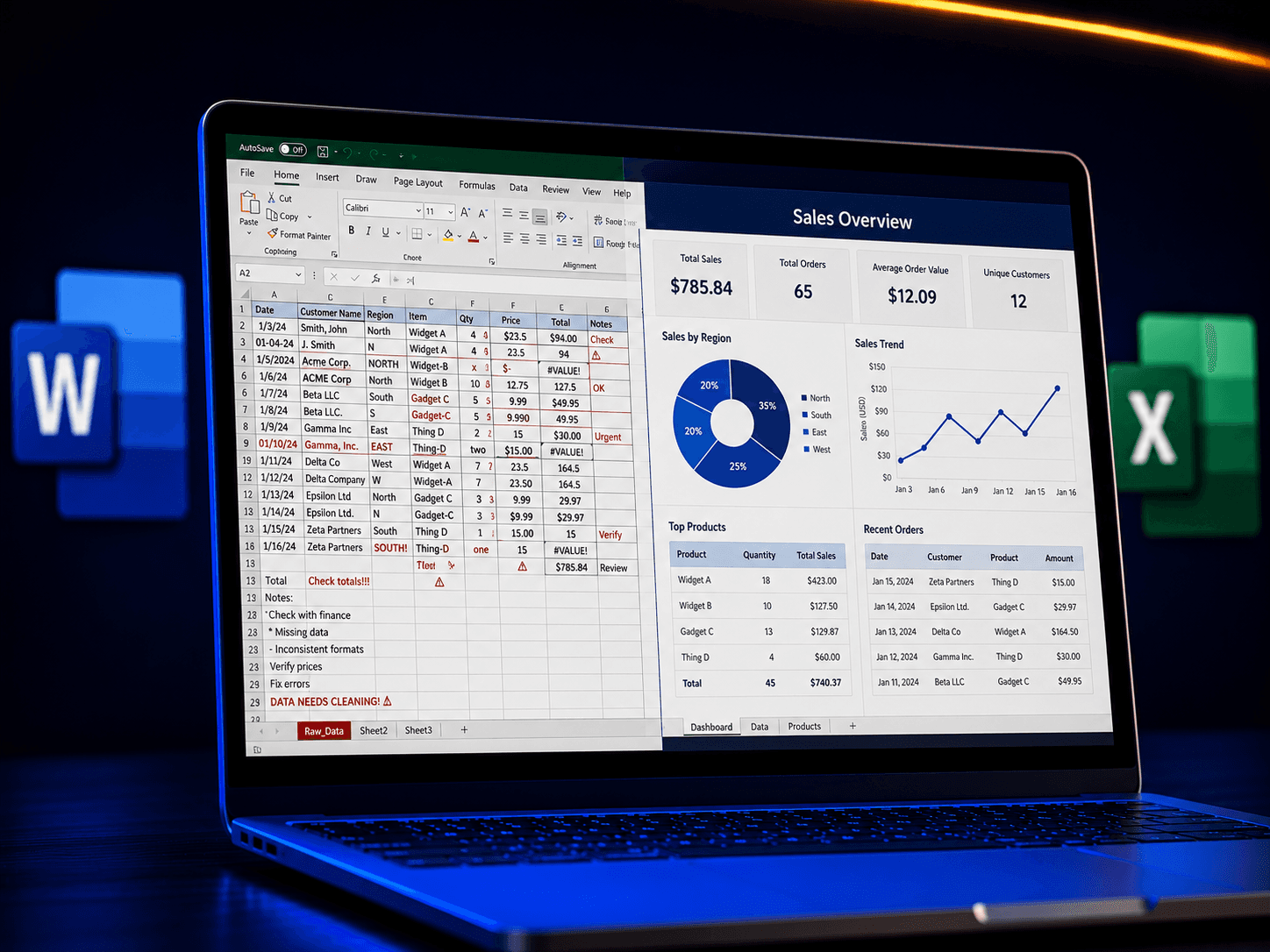
Then one Tuesday, an HR manager finally told her the truth nobody wanted to say out loud: "Your CV is impressive. But we asked everyone to complete a short Excel task during the interview, and you couldn't do it. We can't hire someone who can't use basic computer tools in 2026."
She went home and cried. Not because she wasn't smart enough, but because nobody had ever told her that "computer appreciation" wasn't optional anymore. It's the price of entry.
This is happening to thousands of Nigerians right now, and most of them don't even know it's the reason they're not getting hired.
So instead of just telling you this is a problem, let's fix it. Below is a practical, do-it-yourself starter kit the exact things employers test for, broken down into small tasks you can actually practice today, on your own laptop or phone, in the next hour.
First, what "computer appreciation" actually means
It's not coding. It's not "being a tech person." It's four things:
- Word processing: writing and formatting a clean, professional document
- Spreadsheets: organising numbers, doing simple calculations, building basic reports
- Presentations: putting information in front of people clearly
- File and email management: finding your own documents, sending them correctly, and not losing anything
If you're shaky on any of these, you're not alone. Here's how to close each gap, one at a time.
1. Microsoft Word: the "can you write a clean document" test
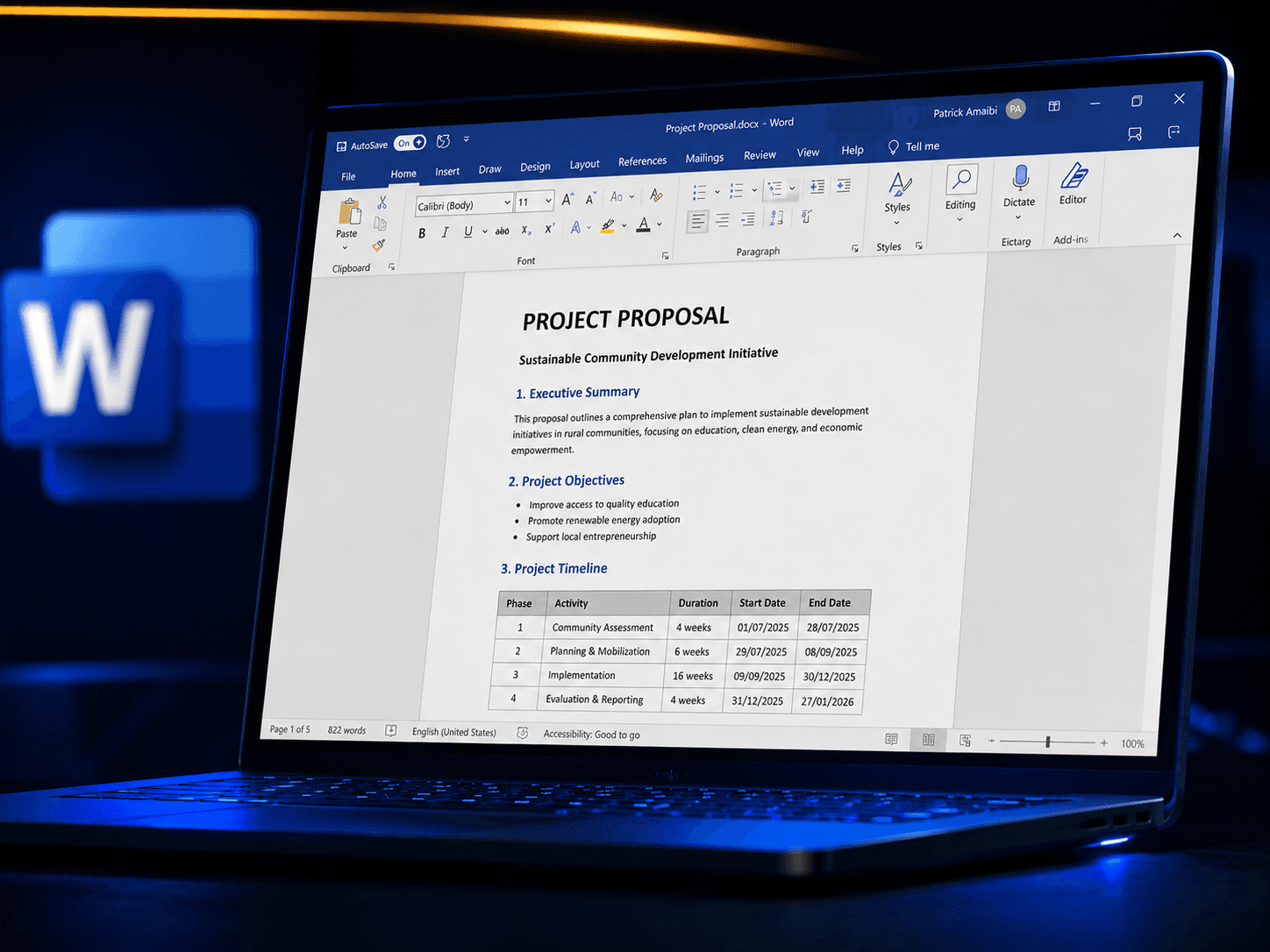
What employers are really checking: Can you produce something that looks organised without help?
Practice this today:
- Open a blank document and type a one-page letter to yourself (any topic). Don't worry about content — focus on formatting.
- Use Heading styles instead of just making text bold and bigger. Home tab → Styles → Heading 1/Heading 2. This is what lets you generate a Table of Contents automatically later.
- Learn these five things by heart:
- Set your line spacing and margins once and reuse the same document as a template for CVs, letters, and reports.
Quick self-test: Can you insert a table, add a header/footer, and export the document as a PDF (File → Save As → PDF) without watching a tutorial? If yes, you've passed the basic Word test.
2. Excel: the one that fails the most people
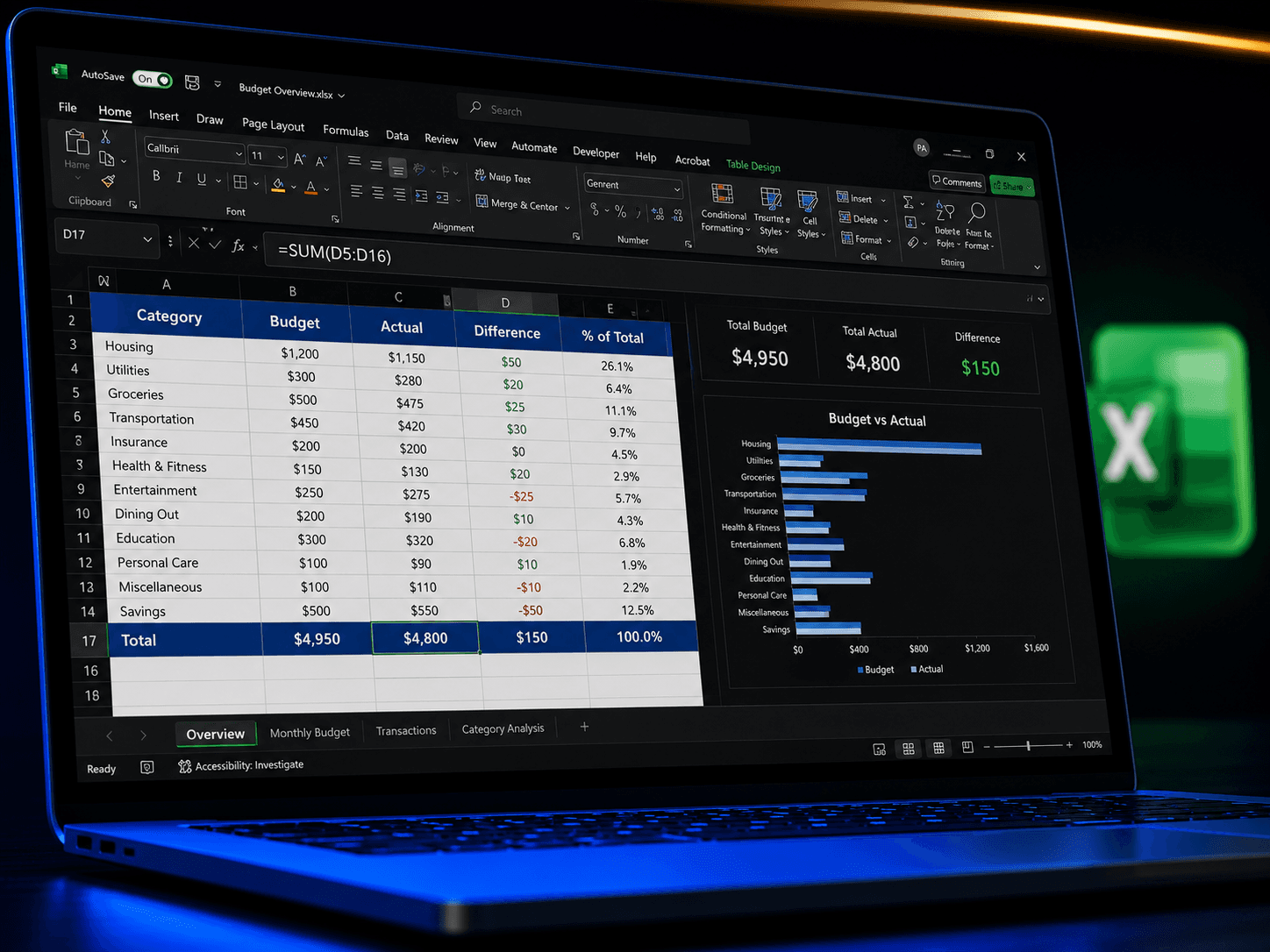
This is where Chiamaka got stuck, and it's the most common gap.
Practice this today build a simple personal budget:
- Column A: list your expenses (rent, transport, food, data, etc.)
- Column B: put the amount for each
- In the cell below your last amount, type =SUM(B2:B10) (adjust the range to match your list) and press Enter. This adds everything automatically.
- Learn =AVERAGE(range) for averages and =IF(B2>10000,"High","OK") for simple conditional checks these two formulas alone cover a huge share of what interviewers test.
- Learn to freeze the header row (View → Freeze Panes → Freeze Top Row) so your titles stay visible when you scroll.
- Learn to sort and filter: select your data, go to Data → Sort, or Data → Filter, to organise a list by name, date, or amount without manually rearranging rows.
- Practice making one simple chart: select your data → Insert → Chart. This alone impresses more interviewers than you'd expect.
Quick self-test: Can you build a list of 10 items with prices, get the total with a formula, and turn it into a bar chart in under 10 minutes? That's roughly the level most entry-level "Excel task" interviews expect.
3. PowerPoint: the "don't embarrass the company" test
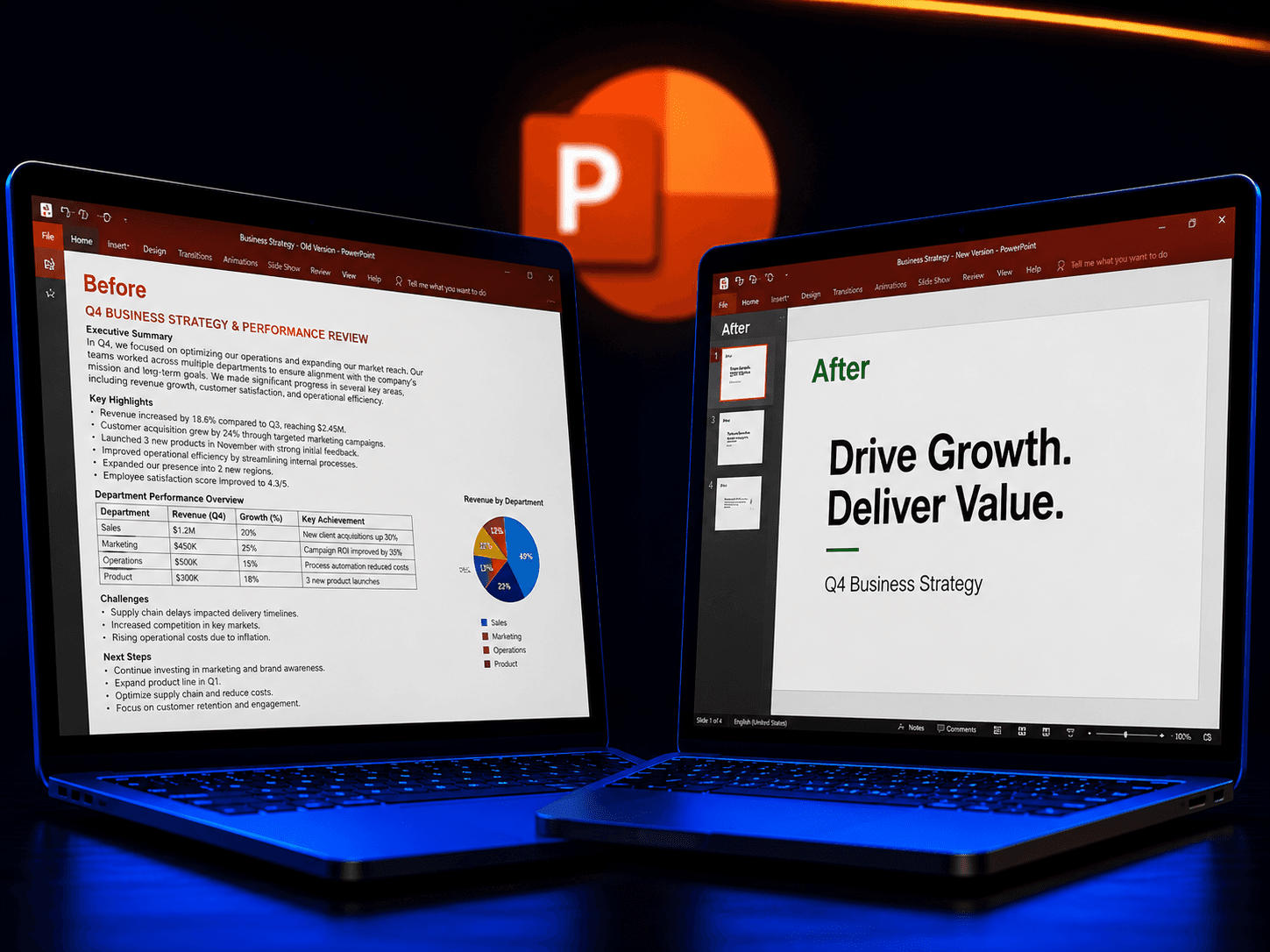
What employers are really checking: Can you communicate an idea visually without cluttering the screen?
Practice this today:
- Build a 5-slide presentation about anything your own CV, your business, a hobby.
- Rule of thumb: one idea per slide. If a slide has more than 6 lines of text, split it into two slides.
- Use Design → Designer (or pick a built-in theme) instead of manually changing fonts and colours slide by slide consistency matters more than creativity here.
- Learn to insert and resize an image without distorting it (drag from a corner, not the middle).
- Learn to use the Notes section under each slide this is what you glance at instead of reading text off the screen while presenting.
Quick self-test: Can you build and present a 5-slide deck without a single slide that's just a wall of text? That's the bar.
4. Files and email: the invisible skill that costs people the most
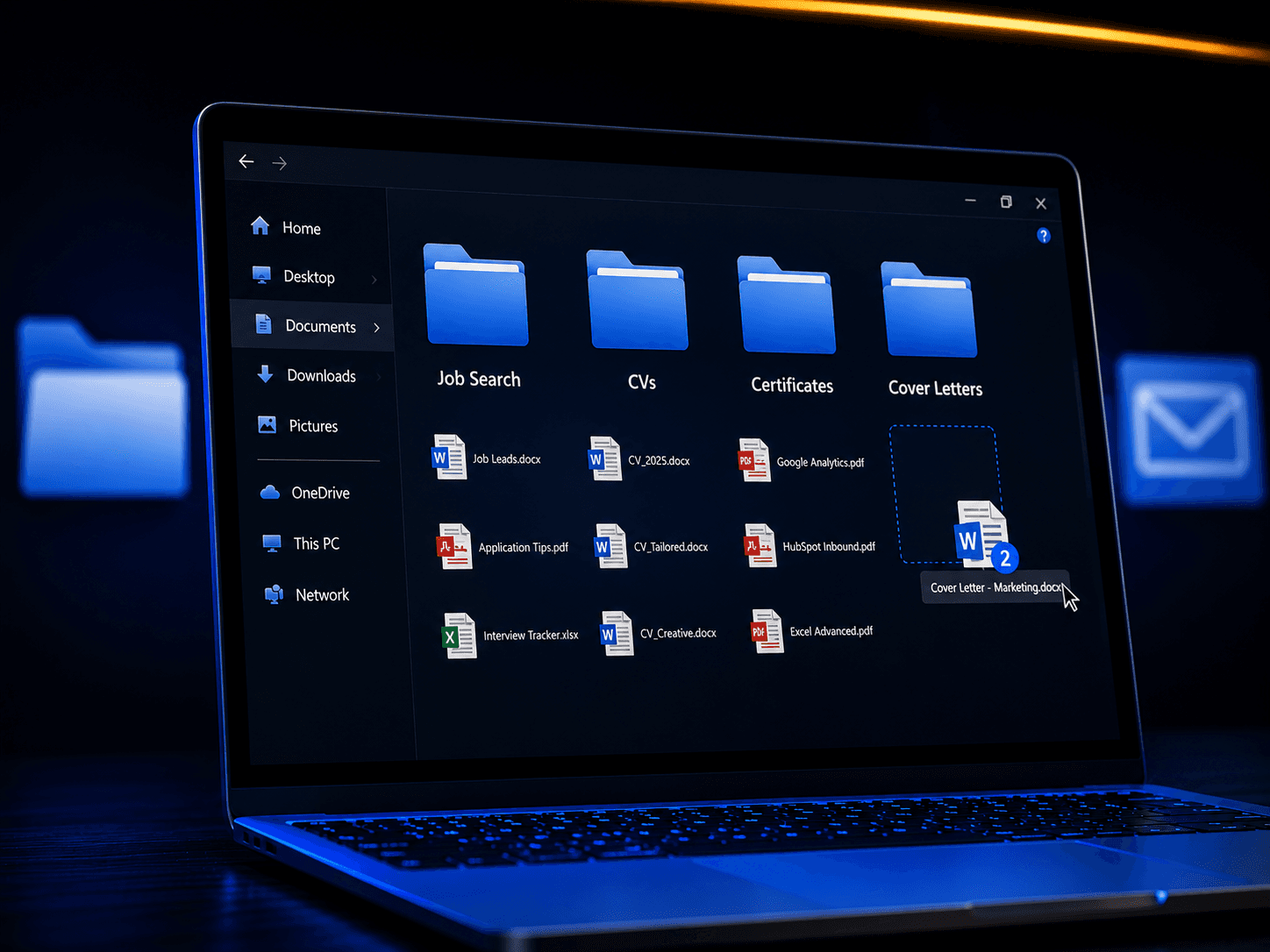
This is the one nobody thinks to test for, but it's often the most telling.
Practice this today:
- Create a proper folder structure for your job search: Job Search > CVs, Job Search > Certificates, Job Search > Cover Letters. Stop keeping everything loose on the desktop.
- Rename your files properly. "CV" or "Document1" tells an employer nothing. Use something like Amaka_Ibe_CV_2026.pdf.
- Learn to attach a file correctly to an email and always double-check the attachment is actually attached before hitting send (the number one most common, most avoidable mistake).
- Learn to compress files into a ZIP folder when you need to send several documents at once (right-click the files → Compress/Send to → Zipped folder).
- Get comfortable with cloud storage (Google Drive or OneDrive) so you're not the person who "lost" a file because a laptop crashed.
Quick self-test: If asked right now to email three named, organised documents from a labelled folder in under two minutes, could you do it without searching your whole laptop?
Why this matters more in 2026 than ever
The job market has changed. Remote work means you're competing with people who are computer-fluent by default. AI tools are changing how work gets done, but only for people who already understand the basic digital tools those AI tools sit on top of you can't prompt your way around not knowing how to open a spreadsheet. Even market women, tailors, and small business owners are now expected to handle online orders, digital payments, and social media pages for their businesses.
The gap is no longer between "tech people" and "non-tech people." It's between people who are digitally confident and people who are quietly being left behind.
A one-week practice plan
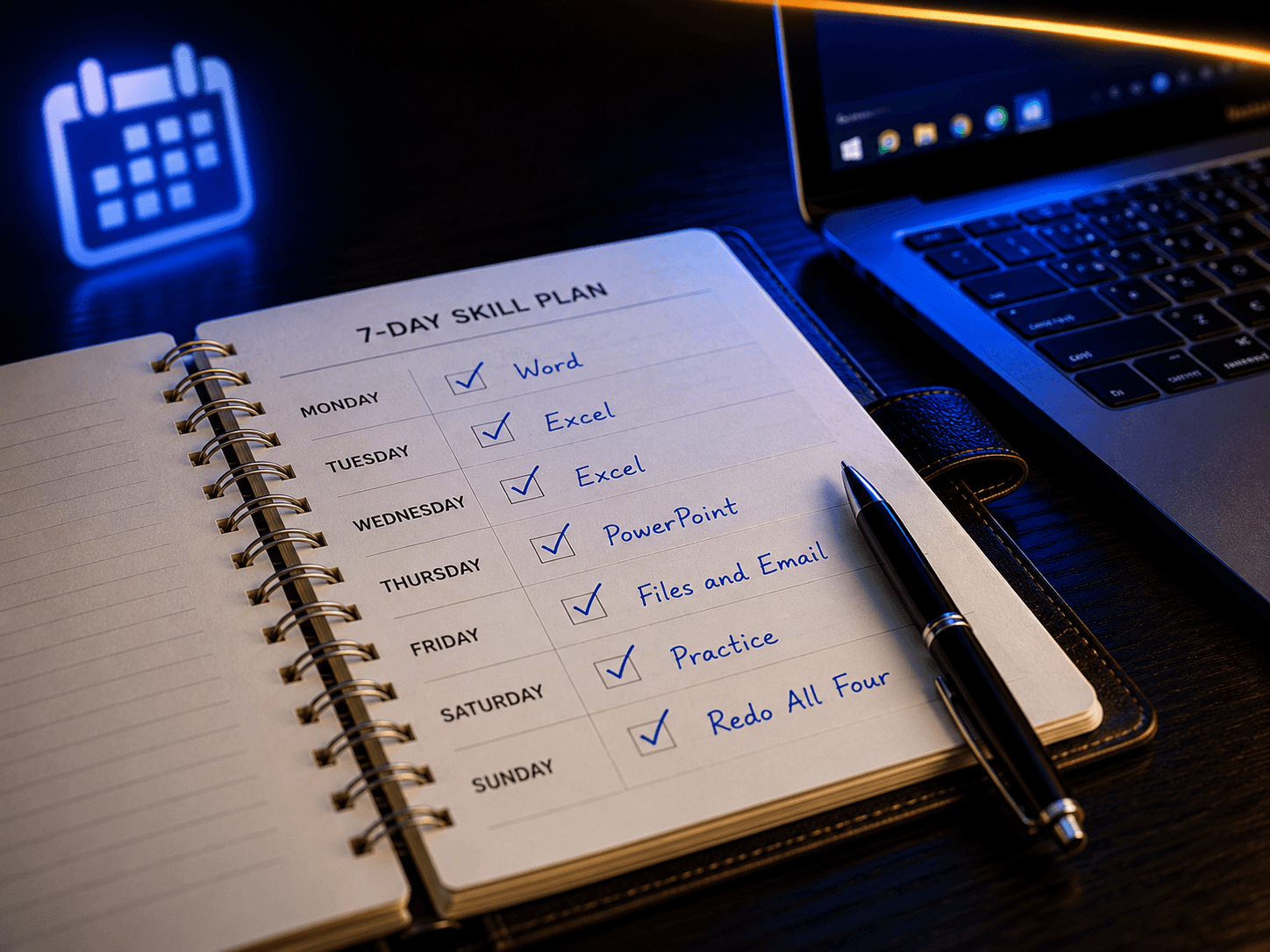
If you want to close this gap on your own before your next interview, here's a simple structure:
- Day 1-2: Word write and format a one-page document, export to PDF
- Day 3-4: Excel build the budget, use SUM/AVERAGE/IF, make one chart
- Day 5: PowerPoint build and rehearse a 5-slide deck
- Day 6: Files and email reorganise your folders, practice sending attachments
- Day 7: Redo all four tasks from scratch, without notes, and time yourself
If you can do all four confidently by the end of that week, you're no longer in the group Chiamaka was in.
The good news
Unlike learning to code for a year or going back for another degree, basic computer proficiency, the kind that gets you hired, that saves you time, that makes you look sharp in front of clients, can genuinely be learned in a matter of weeks with the right guidance and consistent practice.
You don't need to be a genius. You don't need expensive equipment. You need structured lessons, a bit of daily practice, and someone patient enough to walk you through it step by step when you get stuck.
This is exactly why DiscoveryTech Hub exists. We've watched too many talented Nigerians, students, job seekers, small business owners, career changers, lose opportunities simply because nobody sat them down and properly taught them Word, Excel, PowerPoint, and now, how to use AI tools the smart way. Our training is hands-on, practical, and built around the real tasks Nigerian employers are actually testing for.
Chiamaka's story doesn't have to be your story.
If something in you just went quiet while reading this because you recognised yourself in it, that quiet feeling is worth listening to.
Visit us or send a message to book your spot in our next Microsoft Office and digital skills training.
Your CV got you noticed. Let's make sure your skills keep you hired.